

How Automation Improves Handoffs Between Teams
Most work doesn’t slow down inside a task.
It slows down between tasks.
Specifically when ownership changes.
A lead moves from marketing to sales.
A project shifts from sales to operations.
A task moves from one team member to another.
And suddenly, progress stalls.
Not because people aren’t working but because the handoff isn’t clear.
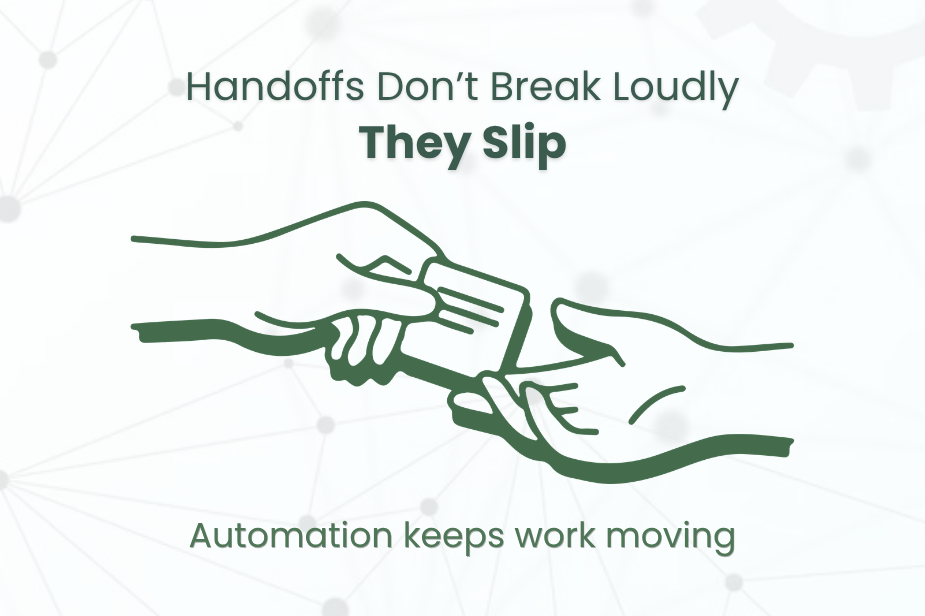
Why Handoffs Are Where Work Breaks
Every process has transition points.
These are the moments where:
Responsibility shifts
Context needs to transfer
Actions need to continue without delay
But in many teams, handoffs rely on:
Manual updates
Assumptions
“I thought they handled it” moments
That’s where things fall through.
Tasks get delayed. I
nformation gets lost.
Ownership becomes unclear.
Most delays don’t come from execution.
They come from unclear transitions.
The Real Problem: Lack of Ownership Clarity
When a task moves between teams, one question matters most:
“Who owns this now?”
If the answer isn’t immediate and obvious:
Work pauses
Follow-ups are missed
Accountability disappears
This is especially common in growing teams where multiple people touch the same workflow.
Without clear ownership, every handoff becomes a risk point.
How Automation Fixes Handoffs
Automation doesn’t just save time.
It creates clarity and continuity between steps.
When designed properly, automation ensures that:
Ownership is assigned instantly
Tasks move forward without manual intervention
Context travels with the task
No step is skipped
Instead of relying on memory or manual updates, the system handles transitions automatically.
What Good Automated Handoffs Look Like
Effective automation removes ambiguity.
Here’s what that looks like in practice:
1. Instant Ownership Assignment
As soon as a step is completed, the next owner is assigned automatically.
No delays. No confusion.
2. Context Moves With the Task
All relevant information notes, history, status travels with the handoff.
The next person doesn’t need to “catch up.”
They can continue immediately.
3. Trigger-Based Actions
Instead of waiting for someone to take action, workflows trigger the next step.
For example:
A deal is closed → onboarding task is created
A form is submitted → follow-up email is sent
A stage changes → next team is notified
Work flows forward without interruption.
4. Built-In Accountability
Every step has a clear owner.
There’s no “I thought someone else was handling it.”
Automation removes ambiguity.
Why Automation Reduces Delays
Most delays happen in gaps not in active work.
Automation closes those gaps.
It reduces:
Waiting time between steps
Missed follow-ups
Manual coordination
Repeated communication
Instead of asking:“Has someone picked this up?”
The system ensures it already has.
Automation + Structure = Faster Workflows
Automation alone isn’t enough.
It works best when combined with clear process structure.
When roles, responsibilities, and steps are defined, automation reinforces them.
If your workflows already feel slow or fragmented, it’s worth revisiting How to Reduce Hiring Delays Without Increasing Workload, where process clarity plays a major role in reducing inefficiencies.
Automation amplifies whatever system exists, good or bad.
Where Most Teams Go Wrong
Many teams try to automate without fixing the process first.
This leads to:
Incorrect task assignments
Confusing workflows
More errors at scale
Automation should not replace thinking.
It should support a well-defined system.
Final Thought
Handoffs are where momentum is either maintained or lost.
When transitions depend on manual effort, delays are inevitable.
But when automation supports those transitions:
Ownership becomes clear
Tasks move instantly
Work continues without friction
Automation doesn’t just speed up work.
It connects it.


Comments